01
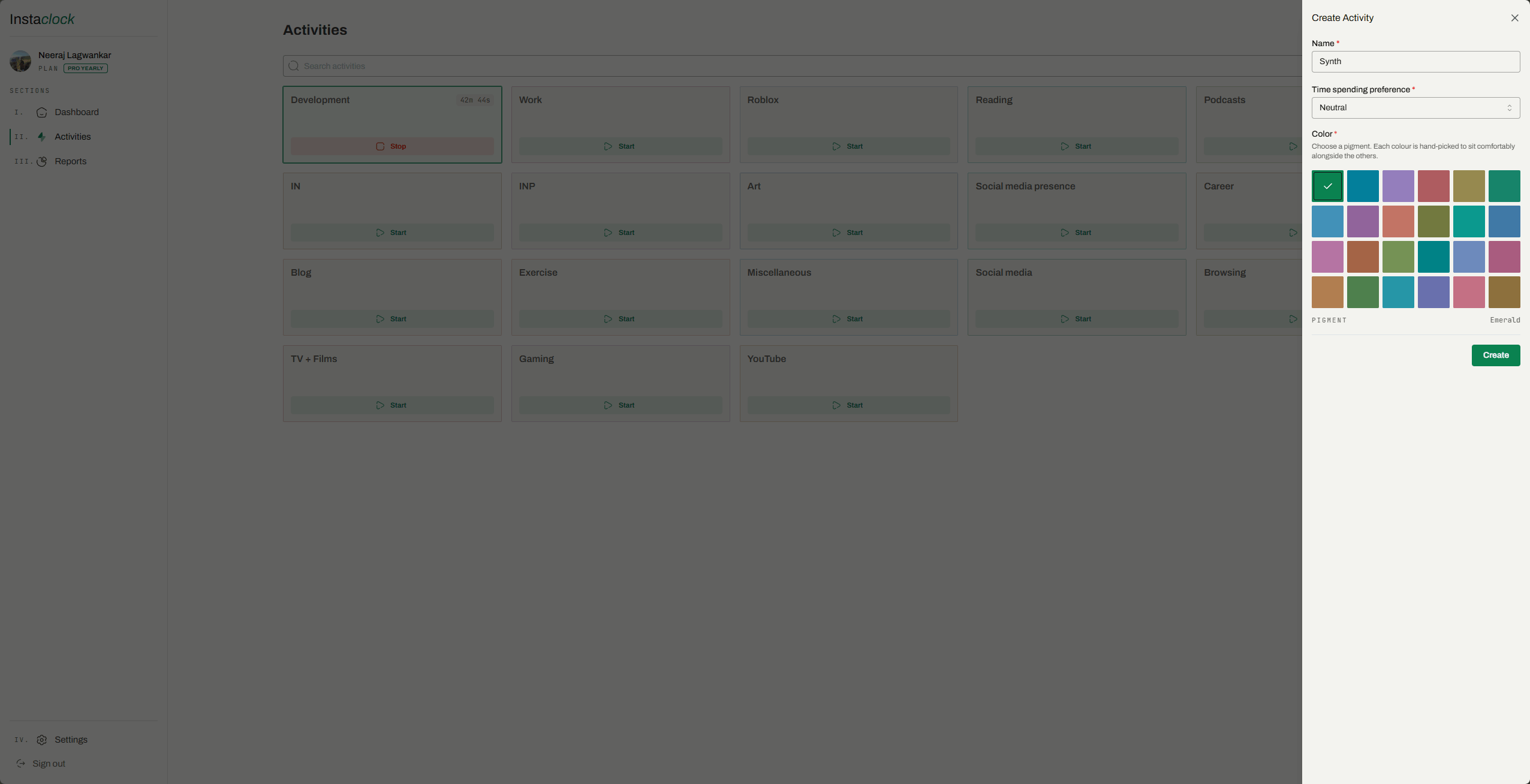
Create the activity.
Give it a name and a colour, then start the timer. That is the entire setup.
A timer counts. A ledger explains where every hour went, and what it added up to.
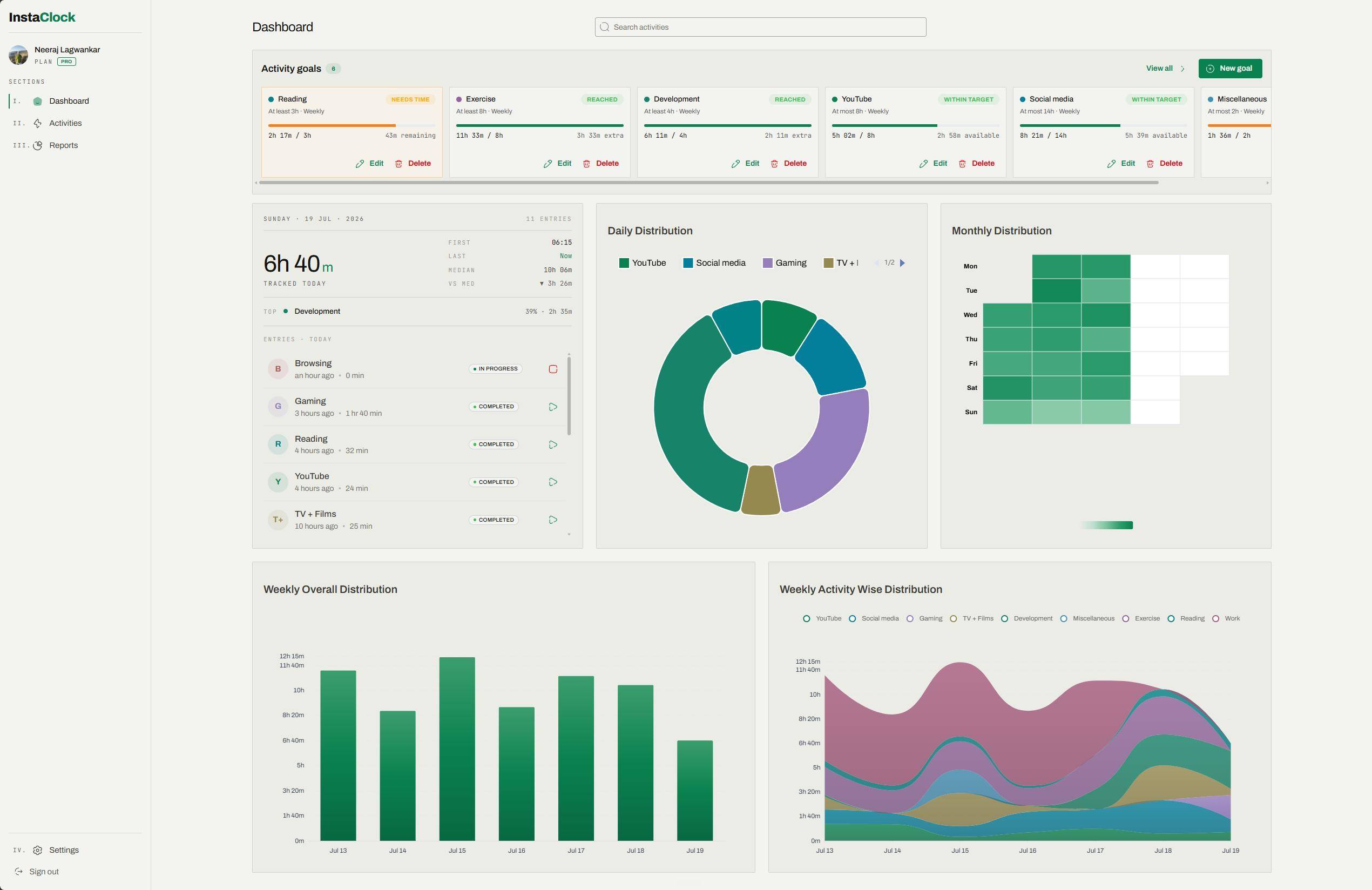
A stopwatch hands you a number and walks away. The number tells you nothing about your patterns, your peaks, or the afternoons that quietly disappeared.
InstaClock is a personal time tracker that keeps the running total and the story behind it. Every entry stays one click from the figure it produced, so the week reads like a statement you can actually settle.
Give it a name and a colour, then start the timer. That is the entire setup.
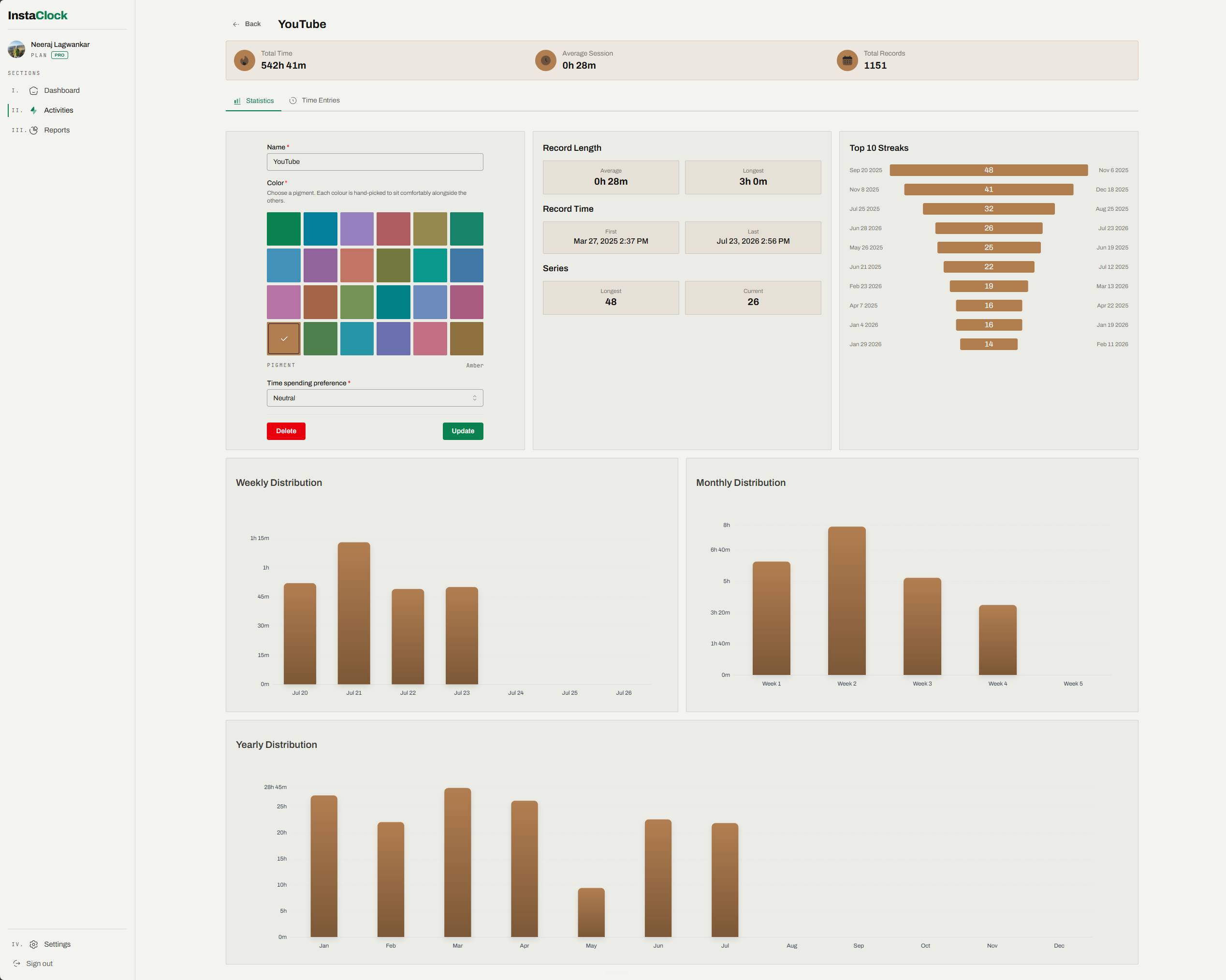
Streaks, longest sessions, and how the time spreads across your days and weeks. Every number is one click from the entry behind it.
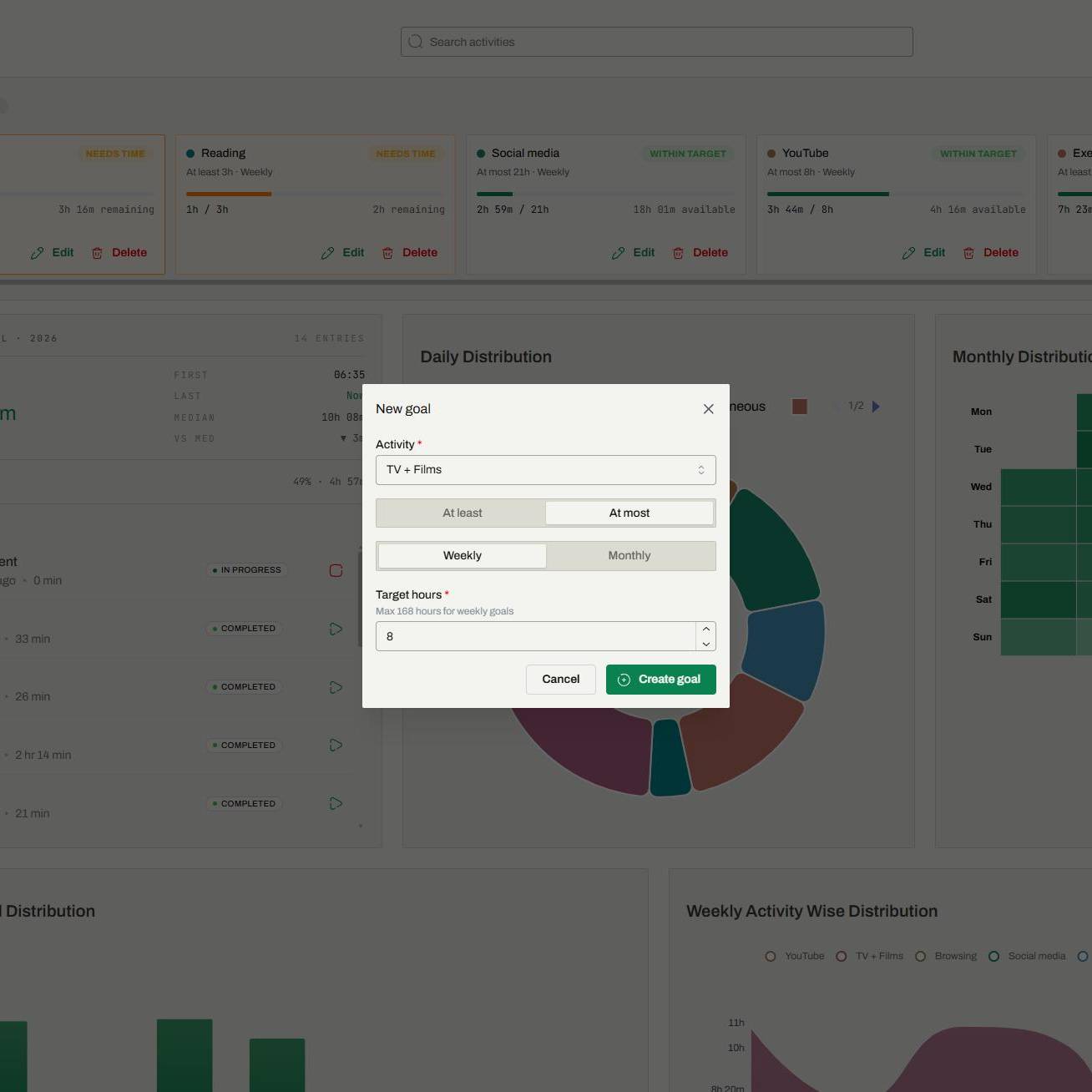
Give any activity a goal: at least five hours of writing a week, at most ten of admin a month. The dashboard keeps score — on track, behind, or over budget.
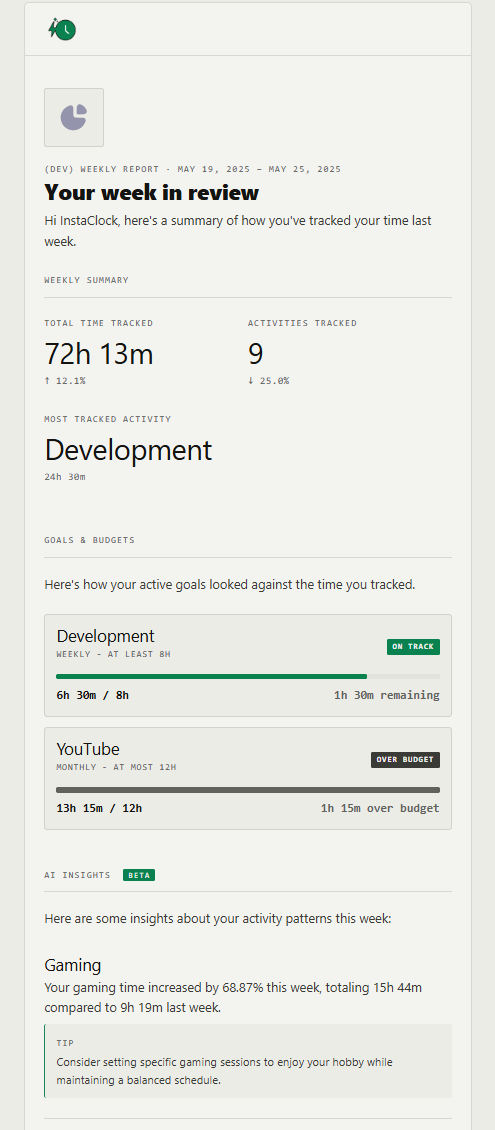
Each week an email arrives: total hours, your most-tracked activity, how the goals fared, and a few AI notes on where the time went. Every review is filed in the app under Reports.
A PWA on desktop and mobile, off the browser tab.
Activities and entries, yours in plain text on request.
When in the day, the week, the year, at a glance.
Weekly or monthly targets and budgets, per activity. The ledger keeps score.
Your top ten per activity. Gentle pressure, no guilt.
A short letter from your past week, emailed and filed under Reports. Comparisons, no fluff.
Pick a window and the activities. A printable accounting.
Start timers, log time and ask where the week went from Claude, ChatGPT or Cursor.
Work out hours between two times, total a weekly time card, convert minutes to decimal or turn hours and minutes into decimal hours — no signup required.
For getting your bearings. Unlimited activities, time, and history.
or $29 a year
For when you want goals on your activities and a weekly AI review that turns your hours into practical insight.
All plans include unlimited time tracking and full data ownership. No card to start.
It runs as a Progressive Web App on desktop and mobile.
Desktop (Chrome / Edge): click the install icon in the address bar.
Mobile (iOS / Android): open the menu, tap "Add to Home Screen."
Daily summaries, activity-breakdown pies, monthly heat-maps, weekly bar and area charts, streak tracking, distributions across days, weeks and months, and custom reports for any date range.
A weekly or monthly target you set on any activity — at least five hours of writing, at most ten of admin. The dashboard shows live progress against each one: on track, behind, or over budget. Goals are a Pro feature, and your AI weekly review reports on how they fared.
Yes. InstaClock connects to Claude, ChatGPT (through Developer mode), Cursor, Perplexity and other assistants that support MCP. Once connected, you can start and stop timers, log time and ask for summaries in the chat, on any plan. Setup steps for each assistant.
Yes, both activities and entries, in CSV. Pro plans also add activity goals and an AI weekly review with detailed analysis — every review is kept in the app under Reports.
Unlimited on the Free plan. Pro adds activity goals and AI weekly reviews for accountability and deeper interpretation.
One free account. Unlimited history. No card to start.